Wiki
Windows Environment Preparation
1.Environment Introduction
Introduction to the tutorial environment:
-
System: Windows 10 LSTC 2021
-
System kernel: Windows NT
-
Architecture: X86_64(amd64)
Other Windows 10 and later environments are also acceptable.
2.Install various software and environments
2.1.Install CubeMX
Official website download:https://www.st.com.cn/zh/development-tools/stm32cubemx.html Download from the robotics team website (login required, but very fast):https://vinci.sdut.edu.cn/downloads
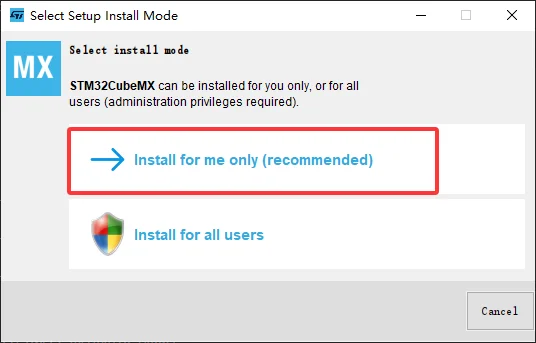
After downloading, extract itSetupSTM32CubeMX-6.18.1.exe
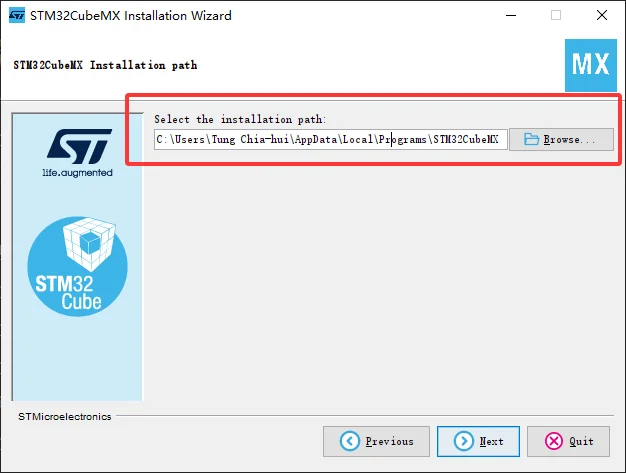
For the path below, it is recommended to use the default; you may also choose another location, but you need to ensure that the path is purely in English and that you have permissions for it (if you are unsure, it is recommended to use the default).
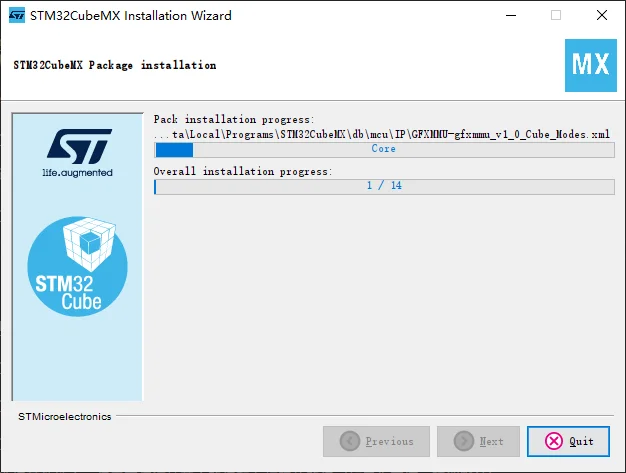
Wait for the progress bar to finish scrolling and it will be done.
2.2.Install VSCode
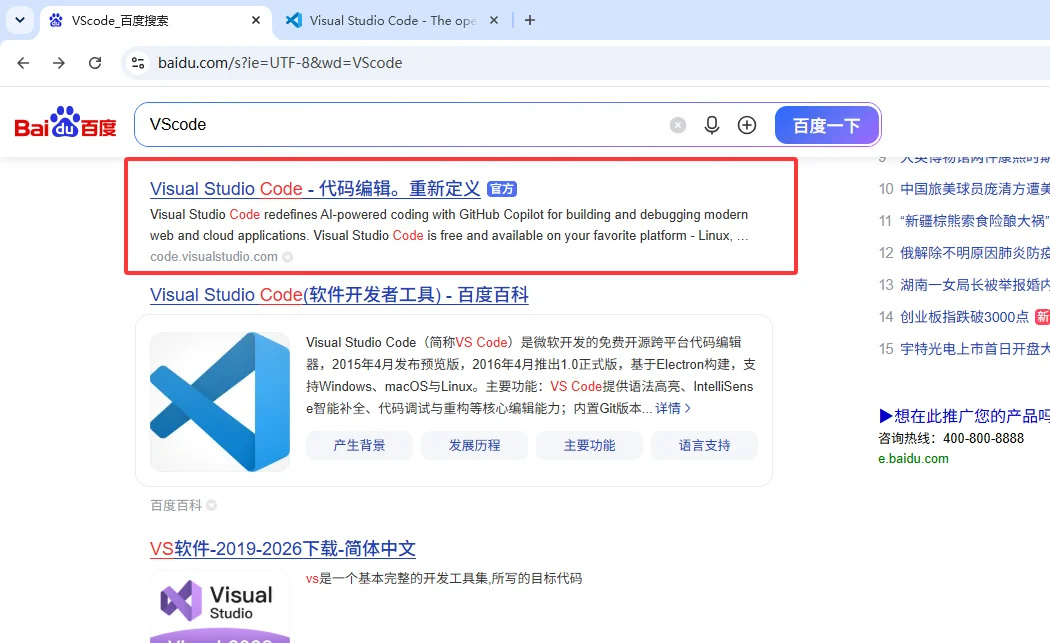
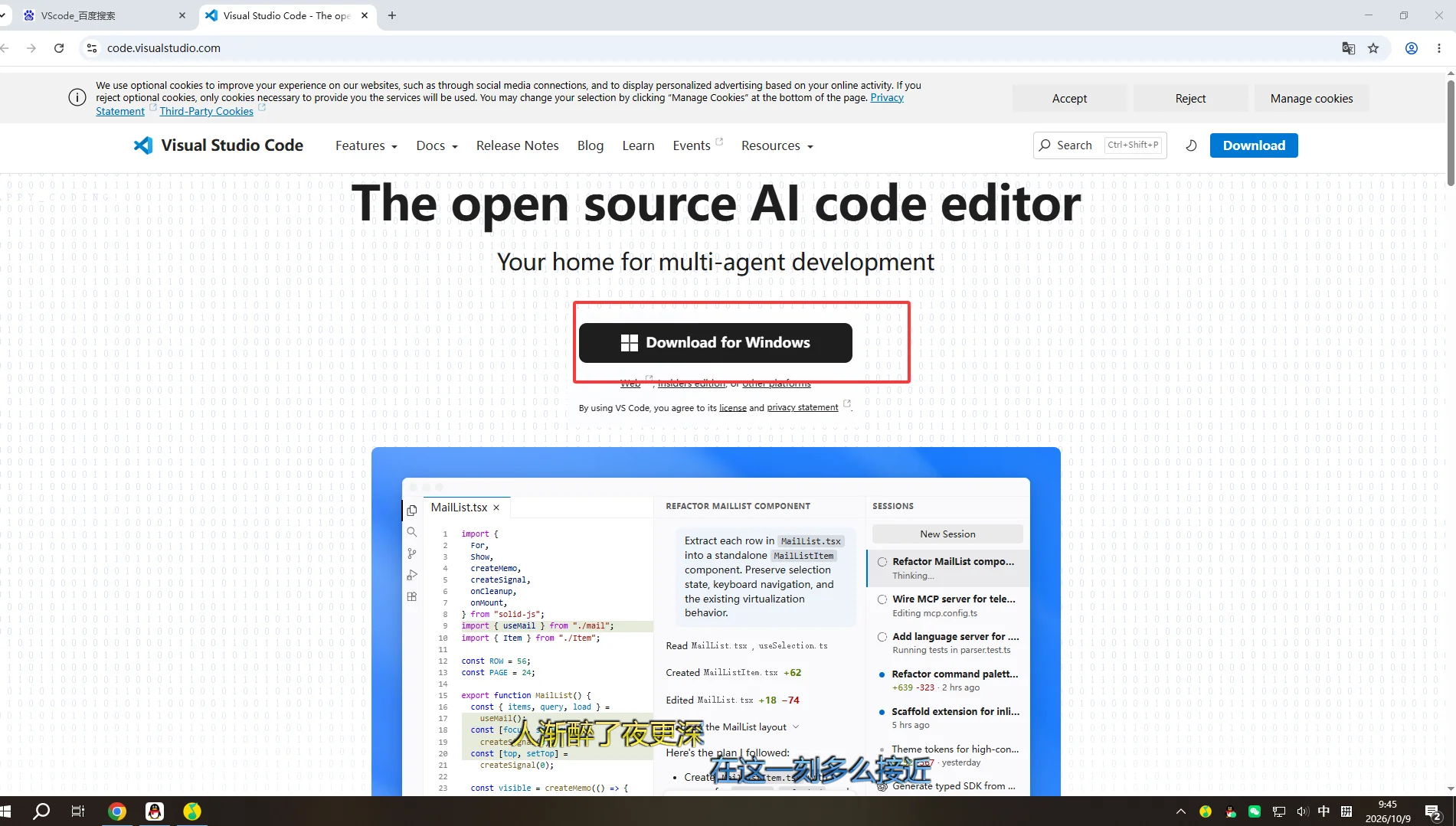
First, Baidu's official website:https://code.visualstudio.com/
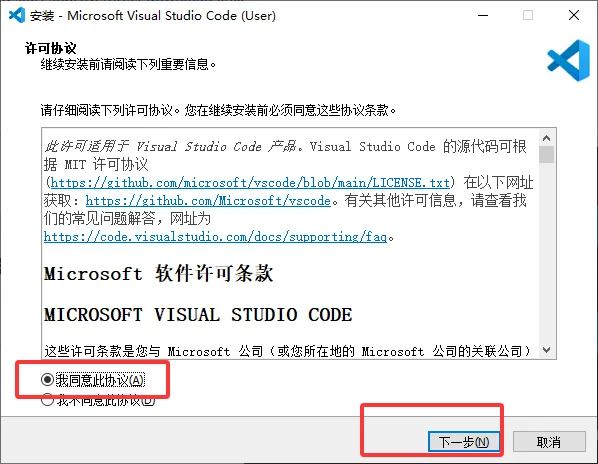
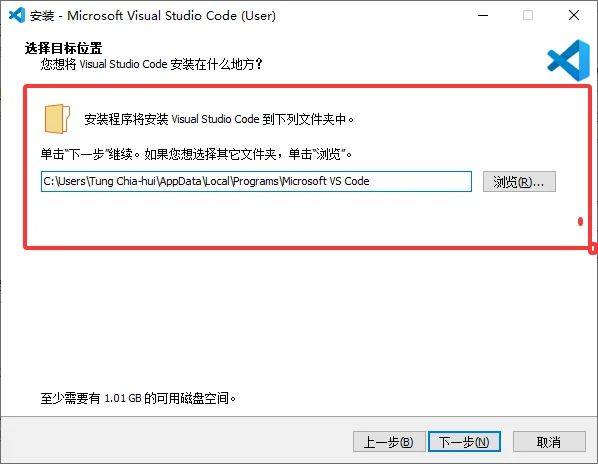
For the path below, it is recommended to use the default; you may also choose another location, but you need to ensure that the path is purely in English and that you have permissions for it (if you are unsure, it is recommended to use the default).
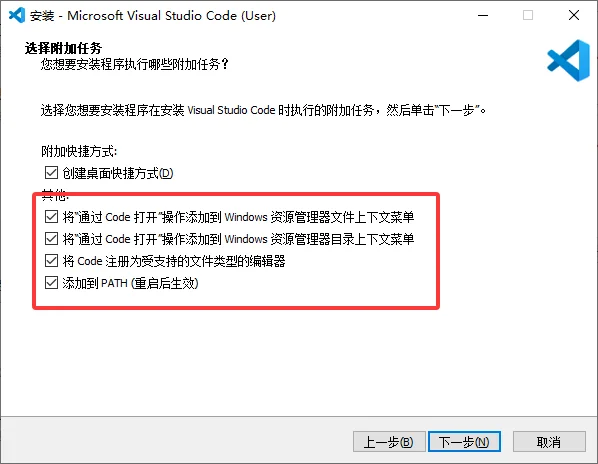
It must be checked like this
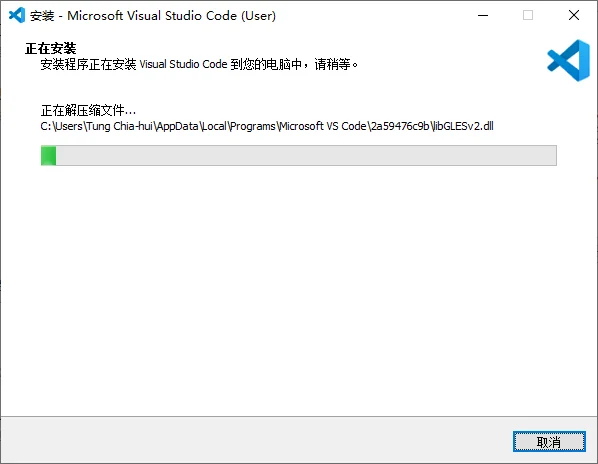
Wait for the progress bar to finish scrolling and it will be done.
2.3.Install OpenOCD
2.3.1.Install
Official link:https://openocd.org/pages/getting-openocd.html
Download link:https://github.com/xpack-dev-tools/openocd-xpack/releases
Then downloadxpack-openocd-版本号-win32-x64.zip:
After downloading, extract it to the C drive, for example: C:\xpack-openocd-0.12.0-7.
2.3.2.Add environment variable
设置
→ 系统
→ 系统信息
→ 高级系统设置
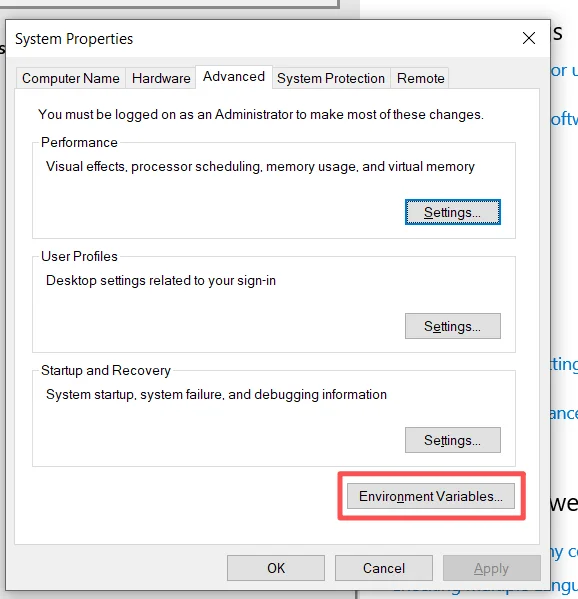
→ 环境变量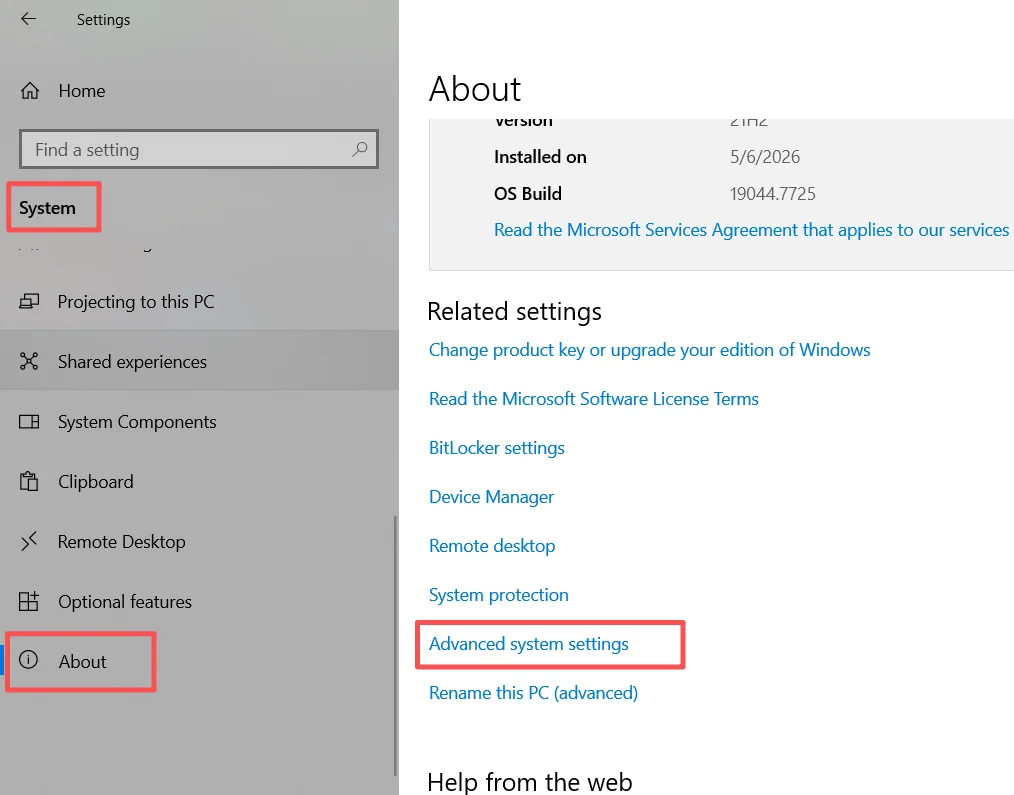
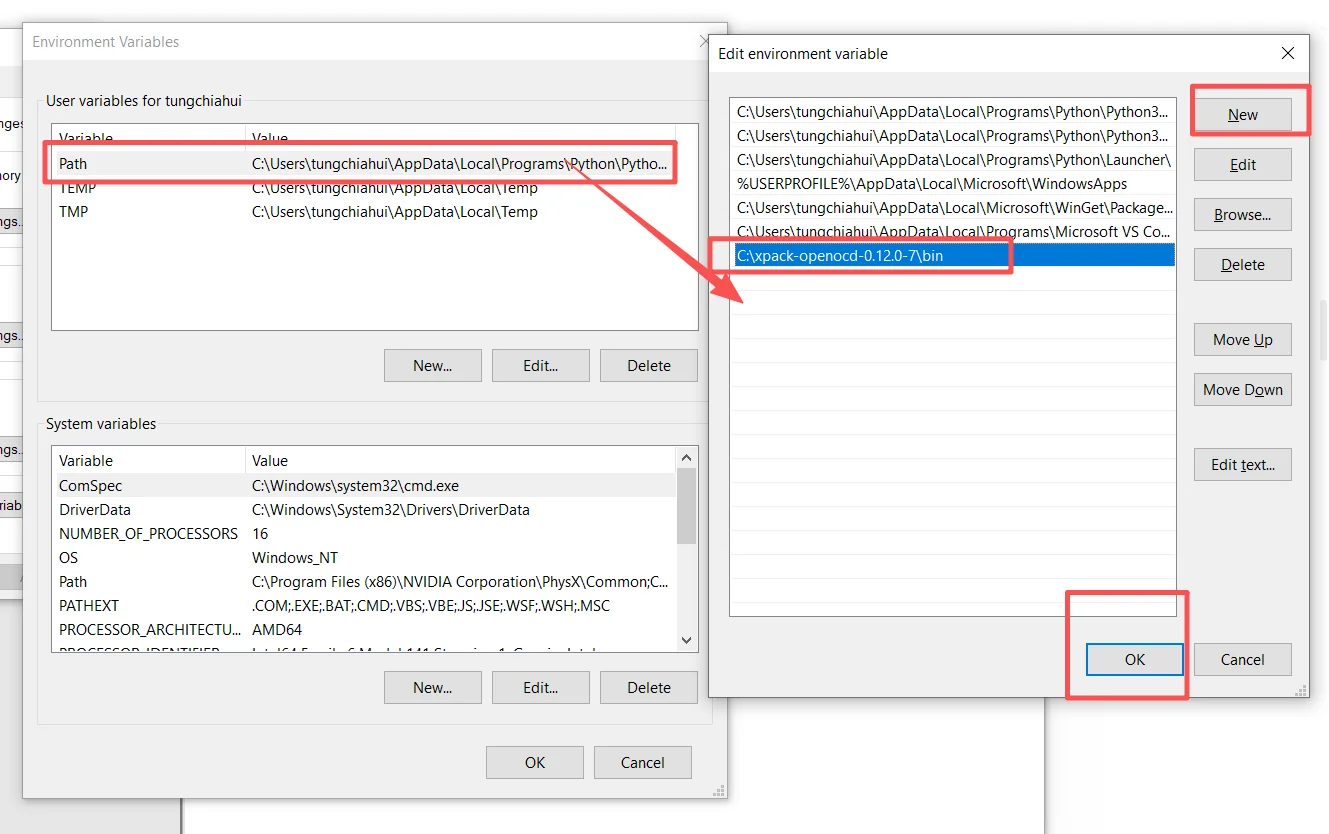
Edit → New, add theC:\xpack-openocd-0.12.0-7\binplus
After saving, openpowershell:
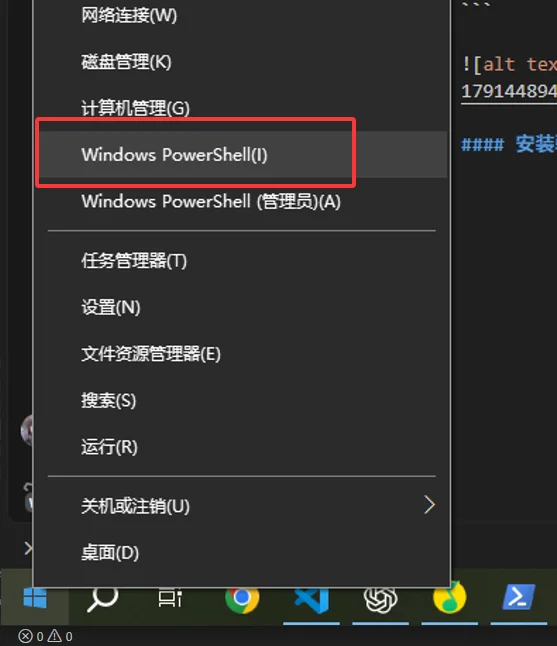
openocd --version
2.3.3.Install Driver
Under Linux, we need to pay attention to /dev/bus/usb and udev rules.
There is no udev on Windows, so there is no need to configure the set of permission rules used on Linux.
However, Windows requires installing appropriate USB drivers for different debuggers.
Linux → udev 权限
Windows → USB Driver| Debugger | Whether Windows requires additional driver installation | Recommended approach |
|---|---|---|
| ST-Link V2 / V2-1 | Required | Install the official ST STSW-LINK009 |
| STLINK-V3 | The system can usually recognize it, but installing the official ST components is still recommended | Installing the official driver is the most hassle-free |
| J-Link | Requires the official J-Link software package | Install J-Link Software and Documentation Pack, which includes the USB Driver |
| DAPLink / CMSIS-DAP v1 | Generally not required | Use the built-in Windows HID driver |
| DAPLink / CMSIS-DAP v2 | Generally not required | Genuine DAPLink uses WinUSB and can be bound automatically |
| Some domestic CMSIS-DAP modified probes | Not necessarily | Only consider WinUSB/Zadig if it truly cannot be recognized |
2.3.3.1.ST-Link
Official link:https://www.st.com.cn/zh/development-tools/stsw-link009.html Download from the robotics team website (login required, but very fast):https://vinci.sdut.edu.cn/downloads
Extract it
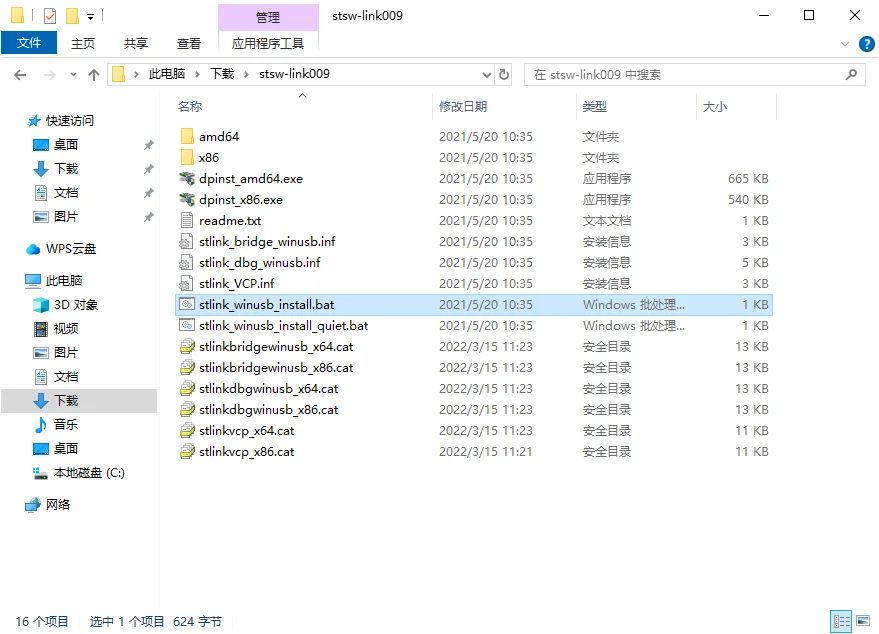
Right-clickstlink_winusb_install.batRun as administrator
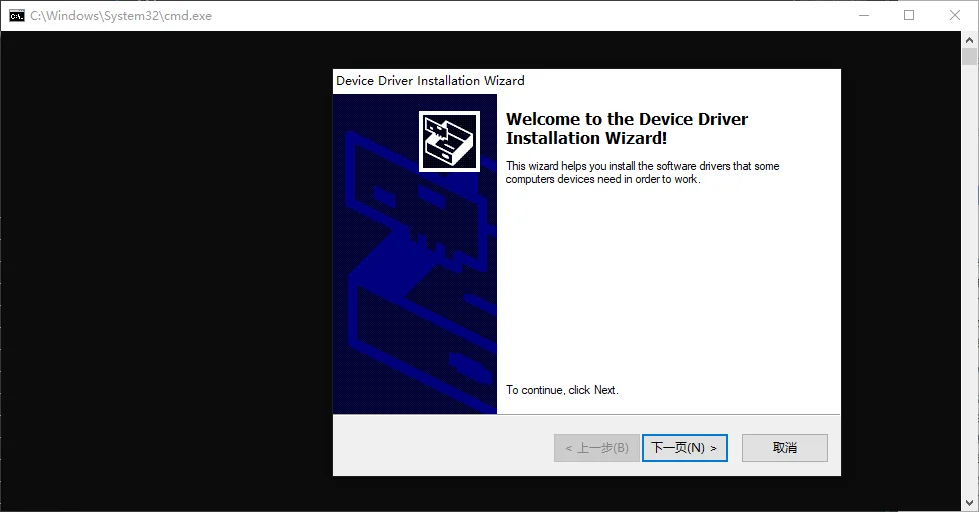
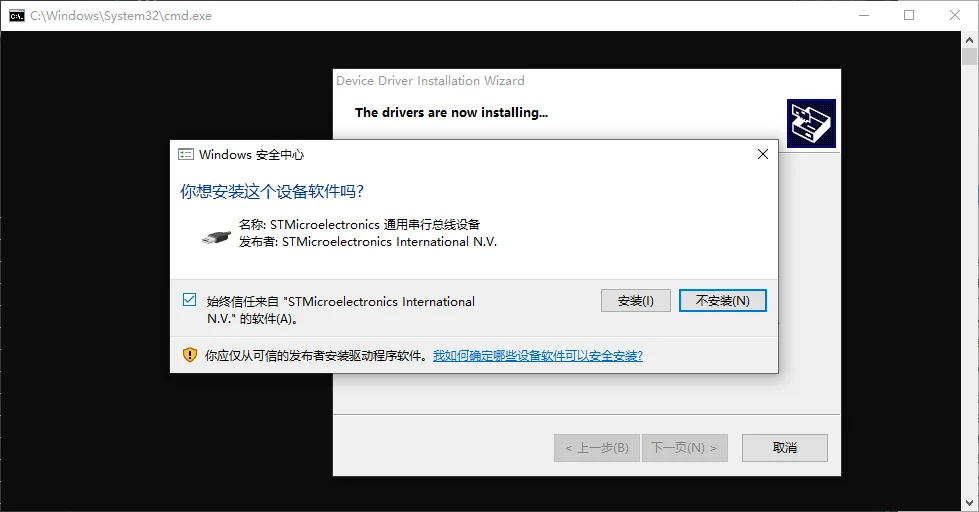
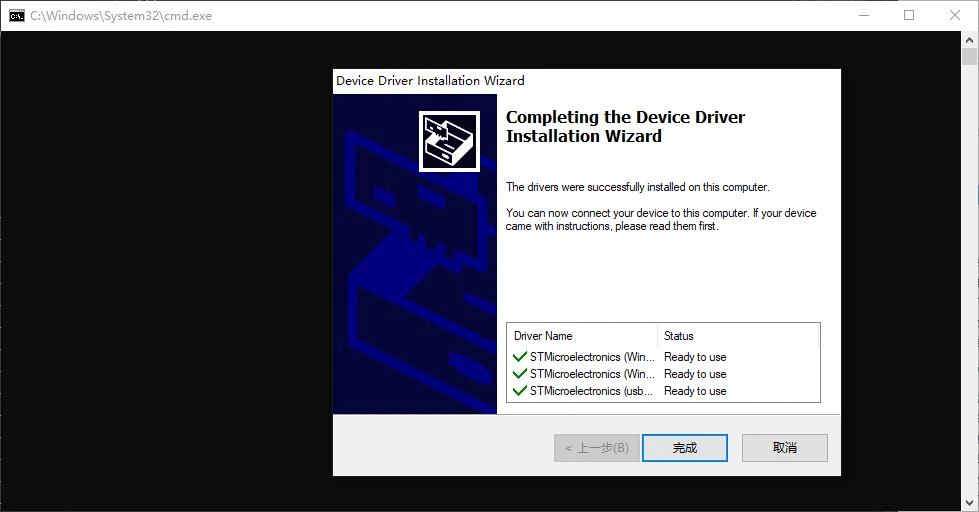
2.3.3.2.SEGGER J-Link
Official link:https://www.st.com.cn/zh/development-tools/stsw-link009.html Download from the robotics team website (login required, but very fast):https://vinci.sdut.edu.cn/downloads
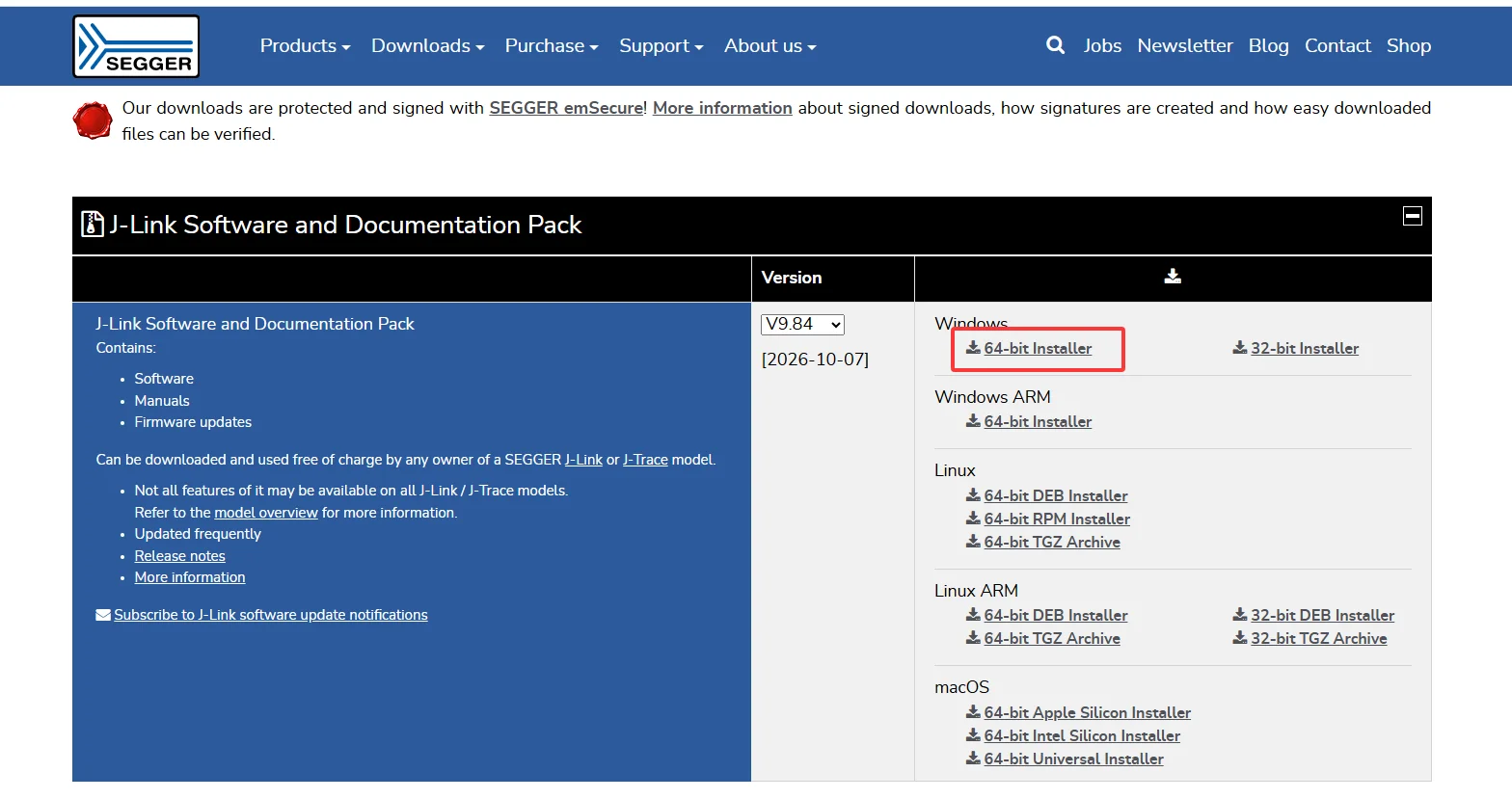
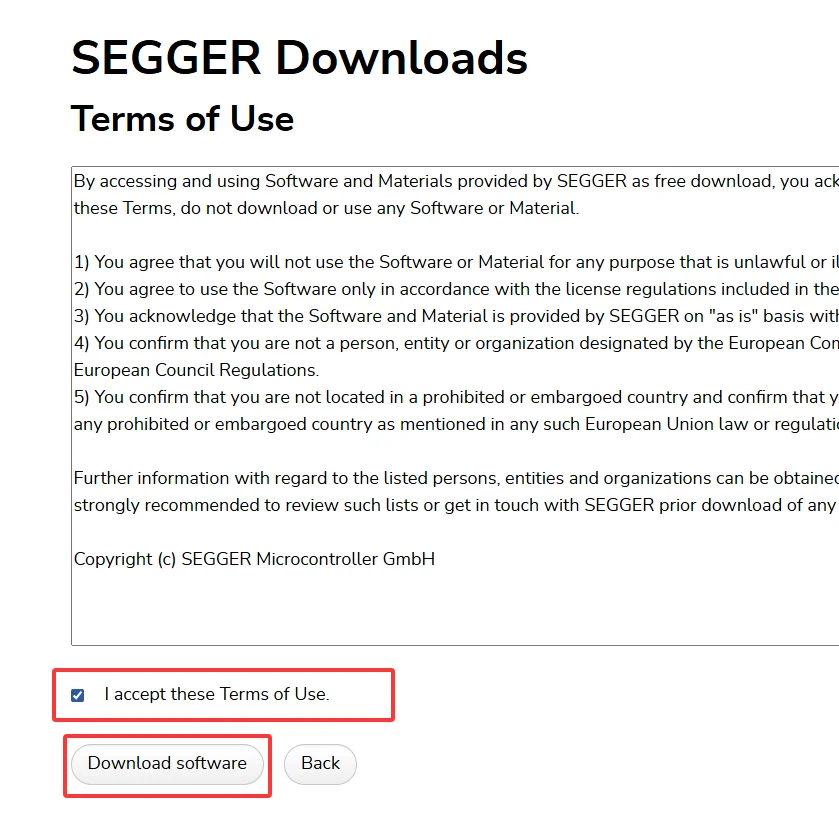
Right-click the downloaded exe and run it as administrator, for example mine is calledJLink_Windows_V984_x86_64.exe
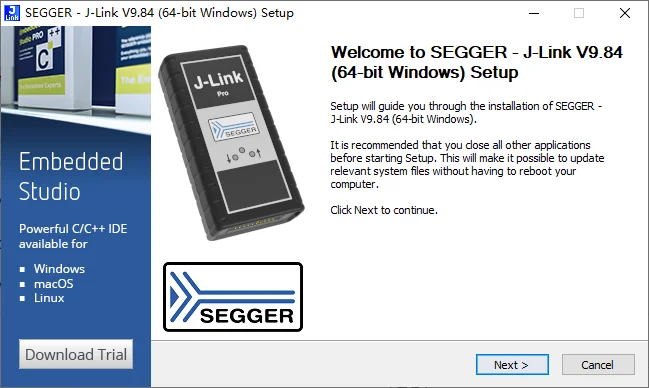
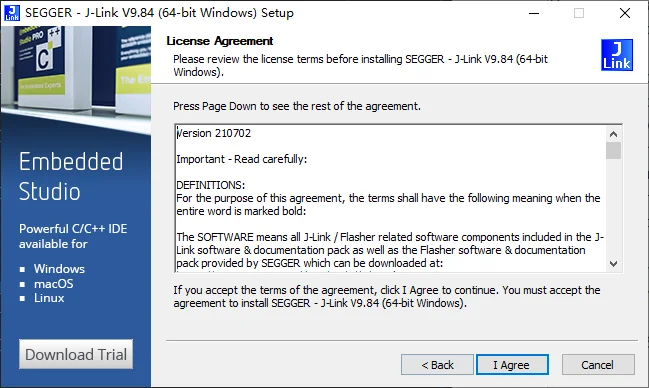
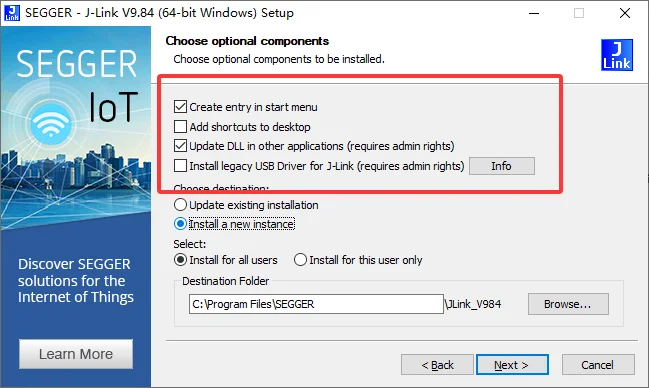
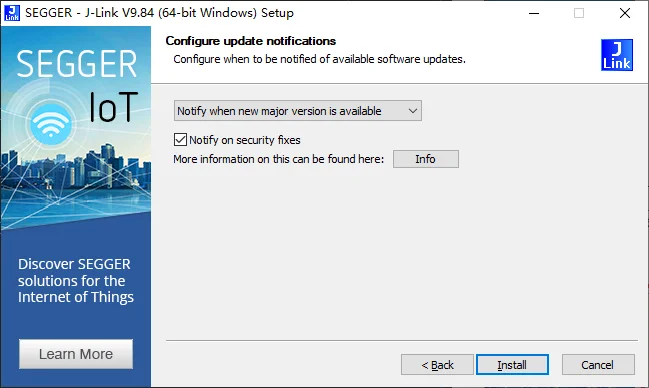
Wait for the progress bar to finish scrolling and it will be done.
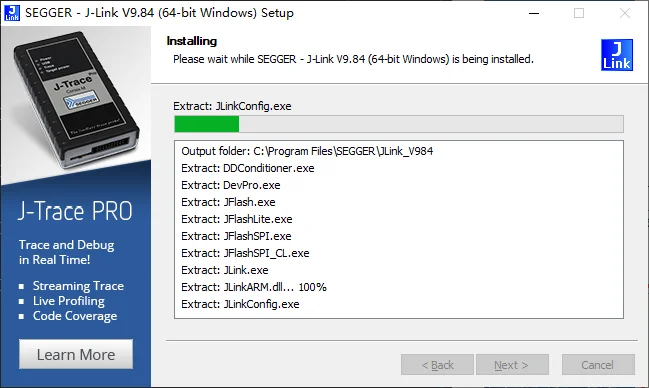
3.Restart
After completing the above operations, idiot Windows will most likely need a restart.